
Supply Chain Management · Logistics & Supply Chain
Shipping Document Processing with UiPath for an Industrial Distributor
- Client
- Industrial distributor · United States · valves, pipe and flow-control products, 50+ locations
- Industry
- Supply Chain Management
- Department
- Finance & Accounting
- Region
- United States · North America
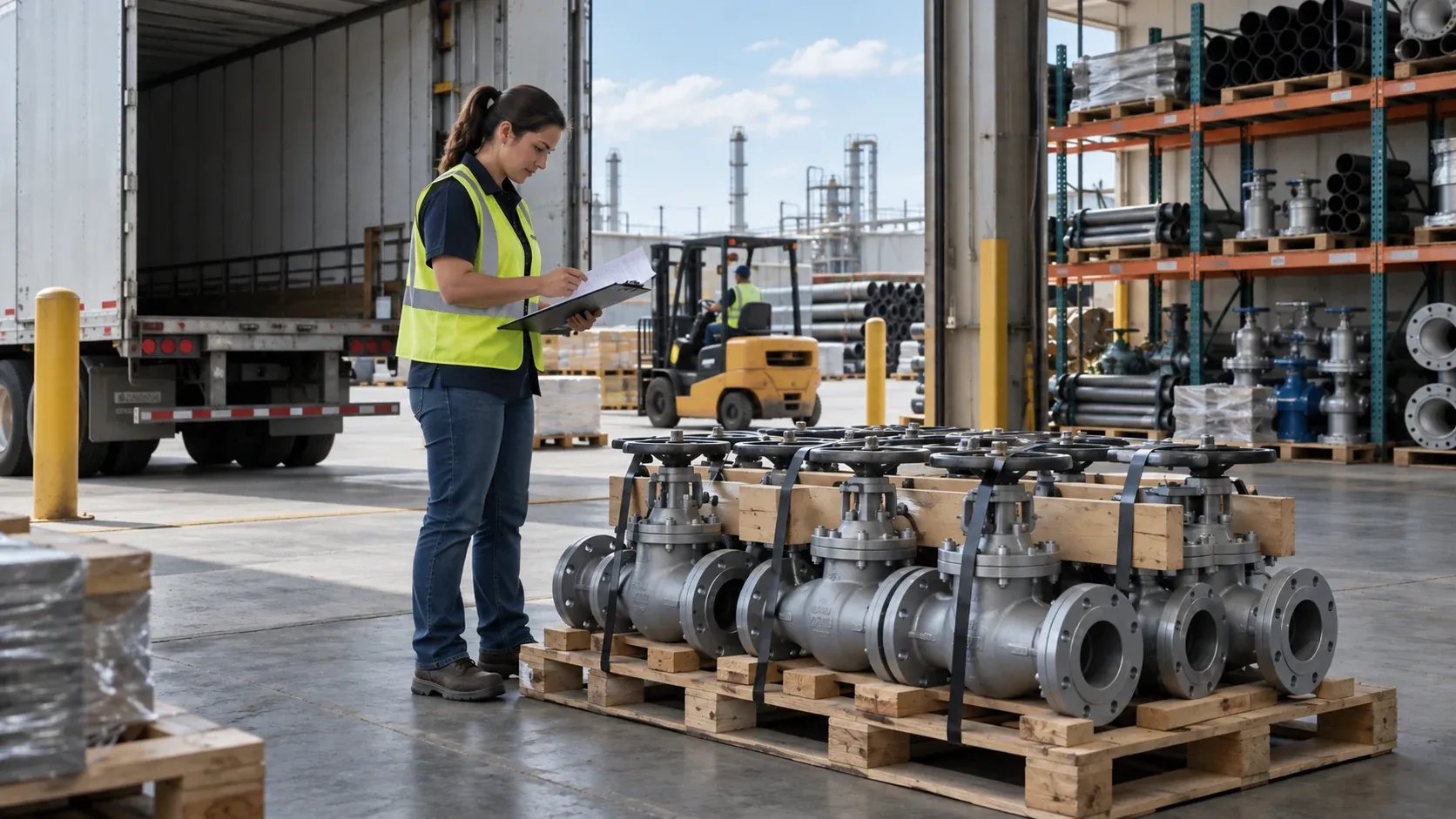
A missing signature or bill of materials meant paying for goods nobody had confirmed, and every shipment's paperwork arrived as one scanned PDF of five or six documents in no fixed order. Now a UiPath robot splits each batch, checks every document and signature, and puts the data into Infor, with people stepping in only to fill the gaps.
A working model of the approach on sample data. It plays on its own and pauses when scrolled away; nothing here touches a live system.
The results
- 5–6
- documents split from every scanned batch
- Invoice, purchase order, transport and delivery documents, bill of materials. Scope of the build, not a measured saving.
- 3–4
- signatures checked per shipment
- Transport approval and receipt confirmation among them. Scope of the build.
- 3-way
- invoice reconciliation in Infor
- Invoice against purchase order and transportation data. Scope; no volumes or savings recorded.
The challenge
Our client is a US specialty distributor of valves, pipe and flow-control products for industrial maintenance, with more than 50 stocking locations and about 1,000 people.
Every inbound shipment came with paperwork from the vendor and from the delivery partner, for example UPS: the invoice, the purchase order, transport and delivery documents and the bill of materials. All of it was scanned together into one multi-page PDF. Before an invoice could be matched to its purchase order and delivery and then paid, someone had to pull the scan apart, check it and type the missing data into the Infor ERP.
What it was costing them
- One PDF, six documents. Five or six different documents scanned together, in any order, across many pages.
- Missing documents spotted by eye. A batch without its bill of materials or delivery document is incomplete, and finding that by hand is slow.
- Paying for goods nobody confirmed. Three to four signatures were required, some approving transport and some confirming receipt. Without them the company risked paying for goods nobody had signed for.
- Gaps in the ERP. Transportation and invoice records in Infor stayed incomplete until someone typed in the data from the documents.
- Reconciliation on hold. Invoices could not be matched to purchase orders and delivery data until all of the above was done.
- One scanned shipment PDF → Invoice
- One scanned shipment PDF → Purchase order
- One scanned shipment PDF → Transport documents
- One scanned shipment PDF → Delivery documents
- One scanned shipment PDF → Bill of materials
The approach
We built a UiPath robot that turns each scanned batch into complete, checked records in Infor. UiPath Document Understanding reads the documents; UiPath Action Center lets people complete what the robot cannot.
From one scan to clean ERP data
- Split the batch. Document Understanding classifies the pages of each multi-document PDF and splits it into its five or six separate documents.
- Check completeness. The robot verifies that every document the shipment needs is present, including the bill of materials.
- Extract the data. Document Understanding extracts the fields needed from each document type.
- Check the signatures. The robot looks for each of the three to four required signatures, transport approval and receipt confirmation among them, and checks them against what the shipment needs.
- People fill the gaps. A missing or uncertain field goes to Action Center for a person to complete or confirm.
- Into Infor. The complete, validated data is entered into the web-based Infor ERP.
- Reconcile. Invoices are reconciled against purchase orders and transportation data, and missing data is added to Infor from the documents.
- Split the batch
- Completeness check
- Extract the data
- Signature check
- Action Center
- Into Infor
- Three-way reconciliation
Technology
| Layer | What we used |
|---|---|
| Automation | UiPath Studio, UiPath Orchestrator |
| Document AI | UiPath Document Understanding: classification, splitting, extraction |
| Signature checks | Signature detection on each required document |
| Human in the loop | UiPath Action Center validation |
| ERP | Infor (web) |
| Reconciliation | Invoice, purchase-order and transportation data |
The outcome
Each shipment's paperwork now reaches Infor as separate, checked documents with complete data, and people see only the cases the robot cannot settle on its own.
| Before | After | |
|---|---|---|
| Splitting a 5-6 document scan | By hand | Automatic |
| Checking every document is there | By eye | Automatic, bill of materials included |
| Checking 3-4 signatures | By eye | Automatic, uncertain cases to a person |
| Data into Infor | Typed in | Entered by the robot |
| Invoice reconciliation | Waited for all of the above | Against purchase order and delivery data |
- Multi-document scans split, checked and entered into Infor automatically.
- Every shipment checked for all required documents and signatures before reconciliation.
- Gaps in transportation and invoice data filled from the documents, with people only on the uncertain cases.
- Invoices reconciled with purchase orders and delivery data.
- The client did not record volumes or savings, so we do not quote any.
The risk most teams miss
Document AI projects are usually tested on clean, single documents. Real shipping paperwork is a scan of five or six documents from different senders, in any order, some rotated, some with handwritten signatures. Splitting the batch correctly is the step everything else depends on, and a signature that is "present" is not the same as the right person's signature in the right place. Building the split, the completeness check and the signature check first, with Action Center for every uncertain case, is what keeps bad data out of the ERP.
Two related builds: EnergyLink invoice reconciliation for a US oil producer, also on UiPath with Action Center, and AI invoice processing, where scanned batches of 200 mixed documents are split, read and posted.
Built with
The tools this ran on, by the layer each one carried.
- Apps & integration
- Automation
 UiPath StudioUiPath's design environment for building RPA workflows.
 UiPath Document UnderstandingUiPath's document classification, splitting and extraction, with human validation.
- UiPath OrchestratorCentral control for UiPath robots: queues, schedules, assets and credentials.
- UiPath Action CenterHuman-in-the-loop tasks for UiPath robots.
Related work
 Construction & Infrastructure< 1 dayProjectedmanagement reporting, down from 30ERM Platform for Road ConstructionRoad-construction group · Bulgaria · ~300 staff, €100M+ revenue, own asphalt, concrete and fuel sitesRead the case
 4sub-contractor document types automatedVendor Sub-Contractor Document Processing AutomationOrganisation with a vendor and sub-contractor network · 4 document types in one flowRead the case
 Energy & Utilities~120group companies covered every monthEnergyLink Invoice Reconciliation Automation for a US Oil ProducerOil and gas producer · United States · NYSE-listed, about 120 group companiesRead the case
Next step
Start the same conversation
Tell us the process that keeps breaking. We will come back with what it would take to fix it, what it would cost, and what we would measure.
Or write to us directly: •••••@•••••••.•••
- A reply from a partner within one business day
- Fixed scope and fixed fee, agreed before we start
- The maps and the backlog are yours either way