
Accounting & Bookkeeping · Professional Services · Life Sciences
RPA Bank Statement Processing Automation
- Client
- Accounting and advisory firm · Bulgaria · large pharma, R&D and healthcare clients, several US-listed
- Industry
- Accounting & Bookkeeping
- Department
- Finance & Accounting
- Region
- Bulgaria
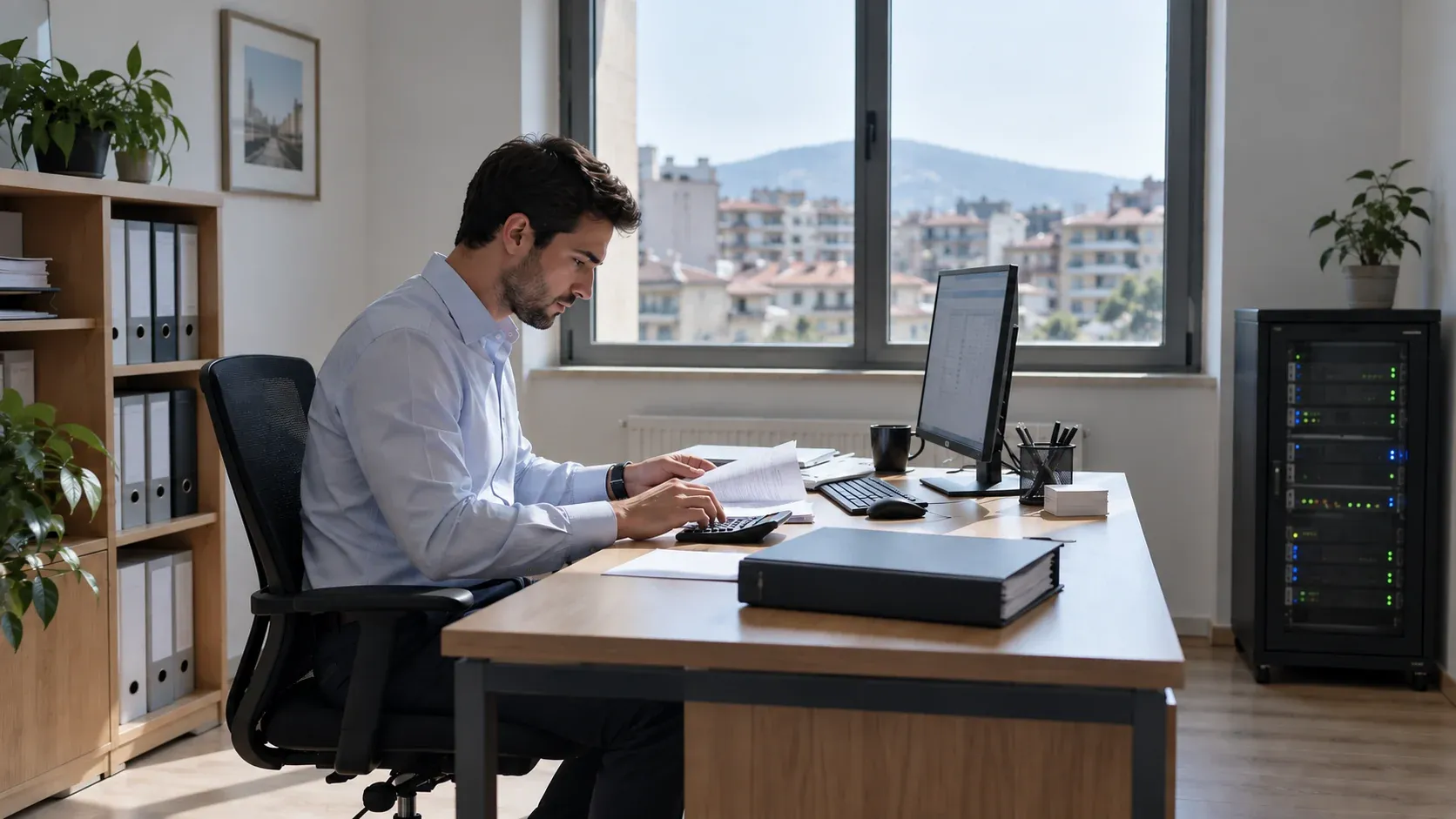
When the accounting system has no import and barely any export, every bank line is typed by hand, for clients who cannot afford a single wrong entry. Their data cannot leave the building, so cloud AI is not an option either. We automated it anyway, entirely on premise.
A working model of the approach on sample data. It plays on its own and pauses when scrolled away; nothing here touches a live system.
The results
- ~9
- working days a month back Projected
- Projected across three companies.
- 200–300
- lines per statement, entered by the robot
- Reconciled against invoices and SAP data.
- 0
- data leaving the client's office
- Platform, robots and data all on premise.
The challenge
Our client is a Bulgarian accounting and advisory firm that deliberately keeps few clients and large ones: pharma, research and development, and healthcare companies, several of them publicly traded in the US.
Their books run in Business Navigator, an accounting system from the late 1990s still on the same platform and interface. Its export barely works and its import is practically unusable. For each of three clients, an employee took the monthly bank statement of 200-300 lines, typed every line into it, found the invoice each payment settled, and checked salaries and expenses against the client's SAP data.
What it was costing them
- 3-4 employee days a month per company, about 9 working days a month of a small team spent typing and checking instead of advising.
- No way in. No import file, no API, no database access. The usual shortcut, generating an import file, was impossible.
- Clients who cannot tolerate errors. A mistyped line in a US-listed pharma company's books is not a small problem.
- Data that cannot leave the premises. The end clients' confidentiality rules exclude cloud services and, for now, AI.
- Import file: none
- API: none
- Database access: none
- A screen: the robot drives it
The approach
We built a full RPA solution that runs entirely inside the client's office and drives the accounting system through its own screens, the way a person does. n8n and our own Robot Framework Server run on a dedicated on-premise machine; we maintain it remotely over VPN and nothing runs on our infrastructure.
Our own Robot Framework Server
A custom automation service built on Robot Framework, running as a server that accepts commands from our custom n8n nodes over an API on a protected virtual network. n8n sends the scripts; the server executes them against the desktop application. It carries 30-40 general custom keywords plus a dedicated keyword set for this accounting system.
Seeing the screen without AI
Parts of the application cannot be driven through standard UI automation at all. There the robot navigates by image recognition: Tesseract OCR and OpenCV, with custom algorithms that locate fields and screens. No AI models are used, by design, so the solution fits the end clients' confidentiality rules as they stand today.
The run, end to end
- Start the accounting application and check its licence.
- Pick up new statements from the office NAS through our custom Samba connector, checked daily, and parse them. DSK Bank, ProCredit Bank and UBB are supported, in Excel or PDF.
- Export the current open items and invoices from the application, driven through its interface.
- Reconcile in code: statement lines against invoices, and for two of the companies against SAP salary and expense data.
- Enter the statement data and link the reconciled items in the application, through the interface.
- Leave only what cannot be reconciled for an accountant.
- n8n on premise
- Robot Framework Server
- Desktop application
- OCR & OpenCV fallback
Robot Framework Server or browser nodes?
Our Robot Framework Server can also drive a browser, but for web work our Playwright-based n8n nodes remain the better tool: they run on the n8n worker itself and n8n manages them fully. The server is client-server by design, which is exactly what desktop automation needs. We choose the engine by what the system exposes.
Technology
| Layer | What we used |
|---|---|
| Orchestration | n8n, self-hosted on premise, custom nodes |
| Desktop automation | Our own Robot Framework Server, 30-40 custom keywords plus an application-specific set |
| Screen recognition | Tesseract OCR, OpenCV, custom locator algorithms |
| File intake | Our custom Samba connector, Windows NAS |
| Reconciliation sources | Bank statements, accounting-system exports, SAP data |
| Access | VPN for remote maintenance |
The outcome
| Before | After (projected) | |
|---|---|---|
| Statement entry, three companies | ~9 working days a month | Exceptions only |
| Reconciliation against SAP | Manual cross-check | In the same pass |
| Data leaving the office | None, and it stays that way | None |
| Replacing the accounting system | The only alternative on offer | Not needed |
- Around 9 working days a month of statement entry and reconciliation removed across the three companies.
- Statements, accounting data and SAP data reconciled in one pass.
- No data leaves the client's office: the platform, the robots and the data all stay on site.
- Proof that a closed 1990s system with no import can be automated safely without replacing it.
Why it matters
Whatever a system exposes, a database, an import file or only a screen, it can be automated. Our invoice processing work posts through the database; our e-commerce reconciliation work posts through import files. This one had nothing but pixels, and still runs unattended.
The risk most teams miss
Legacy desktop software changes a screen or its licence behaviour after an update. Without screen-recognition fallbacks and monitoring, a robot stops silently. Ours checks the licence and the screens on every run.
Built with
The tools this ran on, by the layer each one carried.
- Apps & integration
- AI
- Automation
- Data & cloud





Related work
 Accounting & Bookkeeping97%of documents need no correctionAI Invoice Processing AutomationAccounting firm · Bulgaria · 10-15 staff, books kept for 100+ client companiesRead the case
 Accounting & Bookkeeping600invoices booked in a single monthly runMulti-Channel Payment Reconciliation and Accounting Import AutomationAccounting firm · Bulgaria · books for an international data centre and hosting providerRead the case
 Accounting & Bookkeeping~90%of transactions auto-reconciled and postedBank Reconciliation AutomationAccounting firm · Bulgaria · 10-15 staff, books kept for 100+ client companiesRead the case
Next step
Start the same conversation
Tell us the process that keeps breaking. We will come back with what it would take to fix it, what it would cost, and what we would measure.
Or write to us directly: •••••@•••••••.•••
- A reply from a partner within one business day
- Fixed scope and fixed fee, agreed before we start
- The maps and the backlog are yours either way