

Public Sector · Government Services · Regional & Municipal
EU Grant Expense Verification Automation for an Italian Region
- Client
- Regional government · Italy · managing authority for EU structural funds
- Industry
- Public Sector
- Department
- Finance & Accounting
- Region
- Italy · Europe
Every EU-funded training project a region reimburses has to be checked line by line: registers against declared hours, trainers' CVs against their roles, every invoice against the expense report. Done by hand, the check is slow, varies between controllers, and the region carries the risk if EU auditors find what it missed. Now a robot builds the control file for each project, and the controller reviews evidence instead of copying it.
A working model of the approach on sample data. It plays on its own and pauses when scrolled away; nothing here touches a live system.
The results
- 3
- evidence sources cross-checked per project
- Attendance registers, trainer CVs and invoices, each against the expense report. Scope, not a saving.
- 4
- robot stages per project
- Control sheets, hours against plan, trainer CVs, invoices. Scope, not a saving.
- 1
- standard control workbook per project
- Same structure for every project; the controller signs off. Scope, not a saving.
The challenge
Our client is an Italian regional government and the managing authority for EU structural funds in its region, including the European Social Fund, which finances training for workers and companies. Before a training project is reimbursed, the region has to verify the beneficiary's expense report.
For every project, a controller opened the project's expense model exported from the regional system, every attendance register, every trainer's CV and every invoice, and checked them against each other by hand. The process was fully manual.
What it was costing them
- Volume per call. A single funding call covers many projects, each with its own registers, CVs and invoices to check.
- Copying, not controlling. Controllers spent their time transcribing hours, names, invoice numbers and amounts into control sheets instead of judging them.
- Inconsistency. The same check done differently by different controllers, with no standard control file.
- Audit exposure. An expense reimbursed in error is an EU fund irregularity the region has to answer for.
- Slow reimbursement. Every week of manual checking is a week a company waits for its grant.
- Expense report → Controller, by hand
- Attendance registers → Controller, by hand
- Trainer CVs → Controller, by hand
- Invoices → Controller, by hand
The approach
We built a UiPath robot on the region's own infrastructure that takes each funded project, gathers its evidence and produces a standard control workbook for the controller to review and sign off. We led it end to end: analysis with the region, architecture, development and testing.
One work item per project
The robot reads the list of projects to control and puts one item per project on a UiPath Orchestrator queue, so each project is processed, retried and reported on its own.
Four robot stages per project
- Control sheets from attendance registers. For each attendance register in the project, the robot creates a sheet in the project's control workbook, without duplicates on re-runs.
- Hours checked against the plan. From each register it reads the activity and edition titles, the trainers and their hours, and the trainees' planned and attended hours, matches the edition against the trainee list in the project's expense model, and writes it all into the control sheet.
- Trainer qualifications from CVs. It builds the list of trainers across all registers, finds each trainer's CV, reads the PDF, extracts roles and date ranges with pattern matching, and records them so the controller can confirm each trainer's eligibility.
- Invoices against the expense report. For every expense line declared as an invoice, it finds the matching PDF by document number, reads supplier, tax code, invoice date, taxable amount, VAT and total, and writes declared and actual values side by side, flagging the matches.
- Project queue
- Control sheets
- Hours against plan
- Trainer CVs
- Invoices vs expenses
- Controller sign-off
Built to UiPath best practice
UiPath Robotic Enterprise Framework: a configuration file, Orchestrator queues, business-rule exceptions kept apart from system exceptions, retries, exception screenshots and a test harness.
The controller stays in charge
The robot prepares the evidence. The region's controller makes and signs the decision.
Compliance by design
Under EU cohesion rules, the managing authority must verify that co-financed expenditure is real, eligible and documented before paying it out. The robot produces a consistent, reviewable control file for every project, keeps the controller's sign-off as the decision point, and logs an exception for every project it could not complete.
Technology
| Layer | What we used |
|---|---|
| Automation | UiPath Studio, UiPath Robotic Enterprise Framework (REFramework) |
| Orchestration | UiPath Orchestrator queues |
| Spreadsheets | UiPath Excel activities, BalaReva Excel activities |
| Documents | UiPath PDF activities (text extraction), UI automation of Adobe Acrobat Reader |
| Extraction rules | Regular expressions, VB.NET |
| Quality | Automated test harness |
| Infrastructure | Windows infrastructure provided by the client |
The outcome
No time or cost savings were measured on this engagement, so the result is stated as what changed, not as savings.
| Before | After | |
|---|---|---|
| Verification process | Fully manual | Automated, with the controller reviewing and signing off |
| Evidence gathering | Transcribed by hand into control sheets | Read and written by the robot |
| Control file | Different per controller | One standard control workbook per project |
| Registers, CVs and invoices | Cross-checked by hand | Reconciled automatically against the declared expense report |
| An unexpected document | Holds up the controller | Stops one project with a logged exception, not the run |
- A fully manual verification process turned into an automated one.
- Every project controlled the same way, into the same control workbook structure.
- Controllers review prepared evidence instead of transcribing it.
- Three evidence sources, attendance registers, trainer CVs and invoices, reconciled automatically against the declared expense report.
- Delivered inside a regional government, on its own infrastructure, led by us from analysis to testing.
The risk most teams miss
Grant evidence is not uniform. Each call, each beneficiary and each year brings registers in slightly different layouts, CVs in every format, and invoices that are scanned rather than digital. A robot built on one sample breaks on the second call. Here every project is its own work item, business-rule exceptions (missing or mismatched evidence, which go to the controller) are kept apart from system exceptions (which retry), and the decision stays with the controller. An unexpected document stops one project, not the run, and never turns into an unchecked reimbursement.
More EU-funds control work: an on-premise AI internal audit assistant designed for a public agency administering EU funding.
Built with
The tools this ran on, by the layer each one carried.
- Apps & integration
- Automation
- Data & cloud




Related work
 Public Sector~80%Projectedless auditor time per control planOn-Premise AI Internal Audit AssistantPublic agency administering EU funding · internal audit · close to €1 billion a year in paymentsRead the case
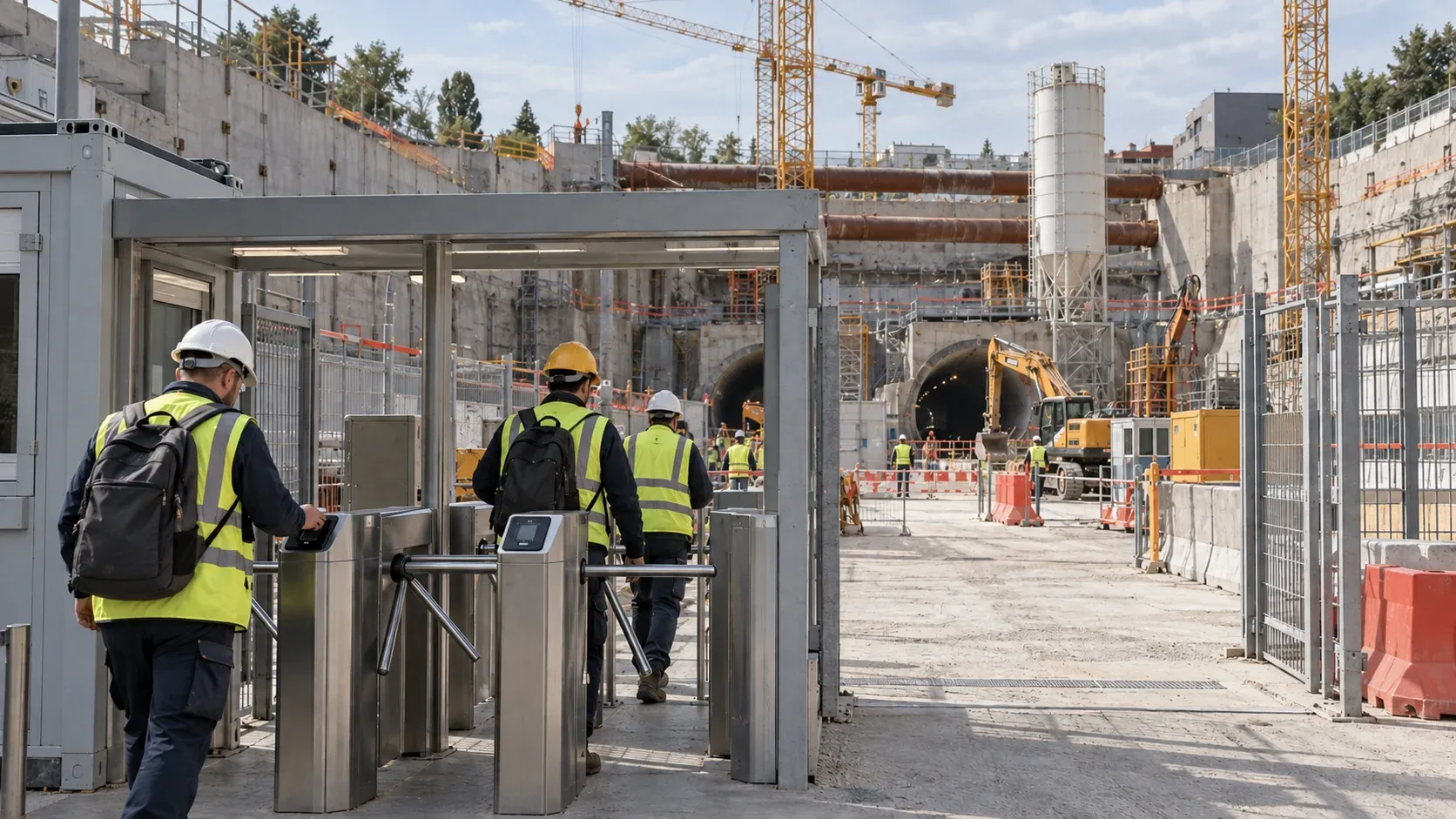 Construction & Infrastructure14%of reviewed staff flagged for clocking fraudTimesheet Fraud Detection for a Metro Construction ConsortiumConstruction consortium · Europe · metro line build, 1,200+ people through its site gatesRead the case
 Energy & Utilities~120group companies covered every monthEnergyLink Invoice Reconciliation Automation for a US Oil ProducerOil and gas producer · United States · NYSE-listed, about 120 group companiesRead the case
Next step
Start the same conversation
Tell us the process that keeps breaking. We will come back with what it would take to fix it, what it would cost, and what we would measure.
Or write to us directly: •••••@•••••••.•••
- A reply from a partner within one business day
- Fixed scope and fixed fee, agreed before we start
- The maps and the backlog are yours either way